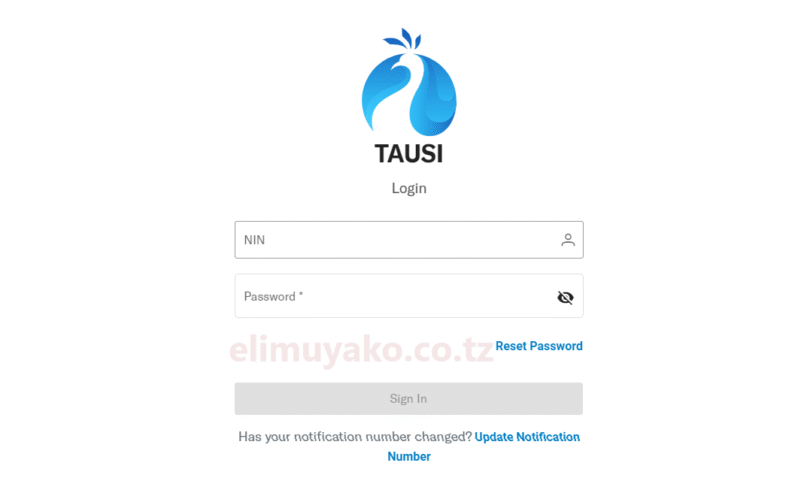
Tausi Portal is a digital online platform developed by President’s Office, Regional Administration and Local Government (TAMISEMI). The system designed and developed by TAMISEMI to give an access to and provides services provided by Local Government Authority. Tausi Portal give an access to an individuals individuals and businessmen to preform several tasks such as to apply for licenses, permits, land plots, rental houses, and make levy payments. All these are performed without physical visiting to the authorized offices as everything performed via online digitally. In this article, get detailed information about Tausi Portal Contact Information, Key or Basic features of the portal particularly how to access the portal for Leseni ya Biashara Application.
Basic Features of Tausi Portal
In this article section get well understanding about basic features of the portal particularly it role while using the portal system.
1. Business Licenses Feature; this basic feature offer an access to businessmen to perform several tasks digitally such as Apply, renew, or terminate business licenses without physical involvements to authorized offices.
2. Permits Feature; Obtain several permit by visiting Tausi Digital portal such permit includes building and fishing licenses.
3. Land and Housing; Also, the portal provides an access to users related to Lands and housing Services as payments of lands and house services may have been performed within the portal to cope with digital evolution.
4. Levy Payments: Make payments for various levies imposed by local authorities.
NB: Everything done and performed online via Tausi Portal Official website.
Tausi Portal Registration Process
To get an access to all services offered by President’s Office, Regional Administration and Local Government (TAMISEMI) through Digital platform named “Tausi Portal” User must have been registered and account with username and password. In order to register as new user you must have National Identification Number (NIN). Also, after registration users required to updates Tax Identification Number (TIN) on user profile or dashboard.
NB: For institutions or businesses, an introduction letter must be submitted to the relevant authorized council.
How to Access Tausi Portal Online?
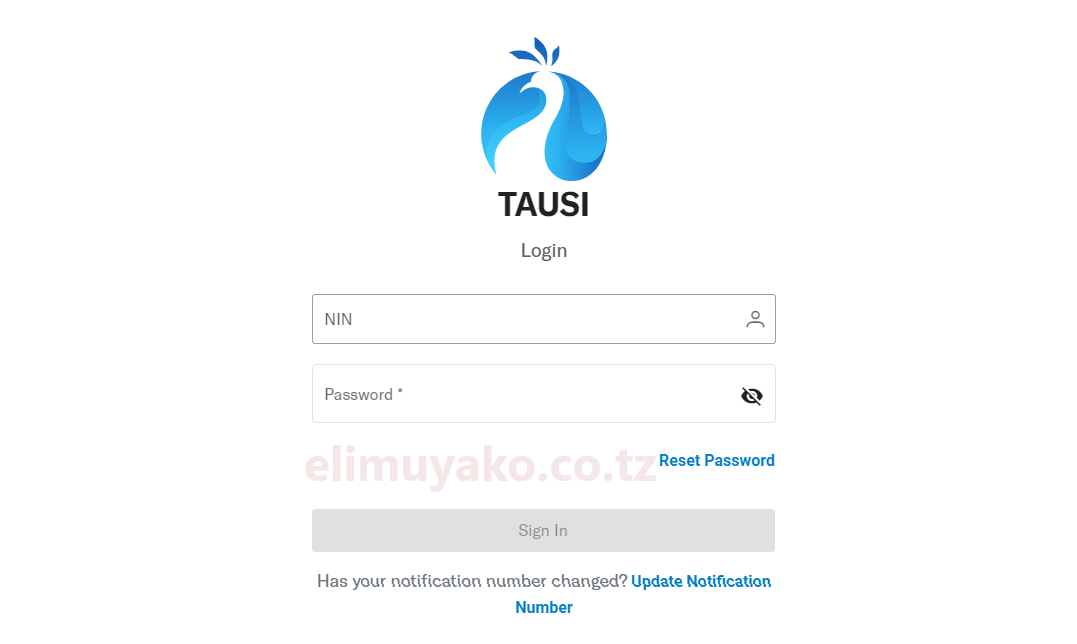
1. Navigate to the Tausi Portal’s homepage: https://tausi.tamisemi.go.tz
2. Click on the ‘Sign In’ button. Enter your ‘National Identification Number (NIN)’ and password. Click ‘Sign In’ to access your account.
3. If you’ve forgotten your password, click on the ‘Reset Password’ link. Follow the instructions to reset your password you will receive OTP.
LOGIN THE TAUSI DIGITAL PORTAL
RELATED: TRA Recruitment Portal Login


Leave a Comment