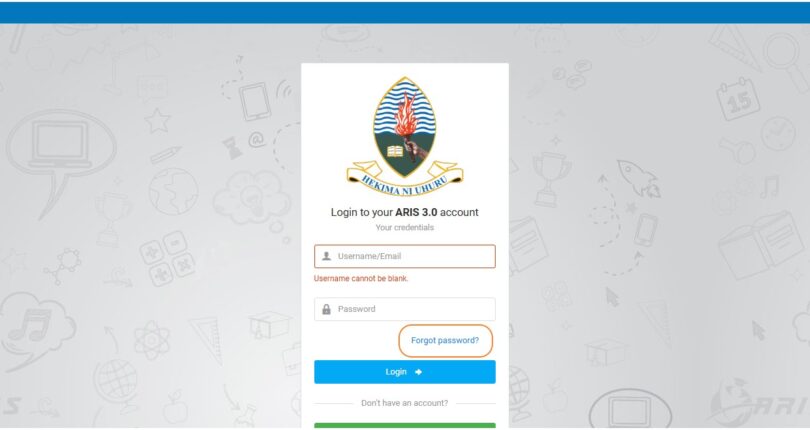
Aris 3 udsm login is a digital system develop to serve academic function at the University of Dar es Salaam as Educators may upload Academic results in Aris 3 UDSM at the Same time students may access the results through Aris 3 udsm login. In this article, get to know how to reset Aris 3 password once you have been forgotten it. Only students admitted and registered at the University of Dar es salaam (UDSM) Are the one who can access it particularly UDSM Staff Member.
What are the Main Features of UDSM Aris 3 ?
In this article, get comprehensive understanding about University of Dar es Salaam Aris 3 in this section basing on how it is working.
1. Course Registration: The System offer an impressive features which solved various physical and overpopulation in registration office as Students can register courses for all semester online without visiting physically to Aris 3 Computing center at University of Dar es Salaam.
2. Academic Records: Also, Aris 3 provide records of academic information such as Course work assessment (CA) results as well University Examination Results (UE Results) as well as students may request transcript via the system instead of visiting Offices physically for request.
3. Financial Management: Students at the University pf Dar es Salaam may manage all activities related to finance. Students may pay Direct Cost and Tuition Fees via the system particularly Accommodation fees for Hostel dweller.
NB: Students can request Transcript after completing year of studies via the platform particularly all control Number for Direct Fees Payment and Tuition fees particularly NHIF Card are generated in Aris 3 (Aris 3 udsm login) not otherwise.
How to login Univesity of Dar es Salaam (UDSM) Aris 3 ?
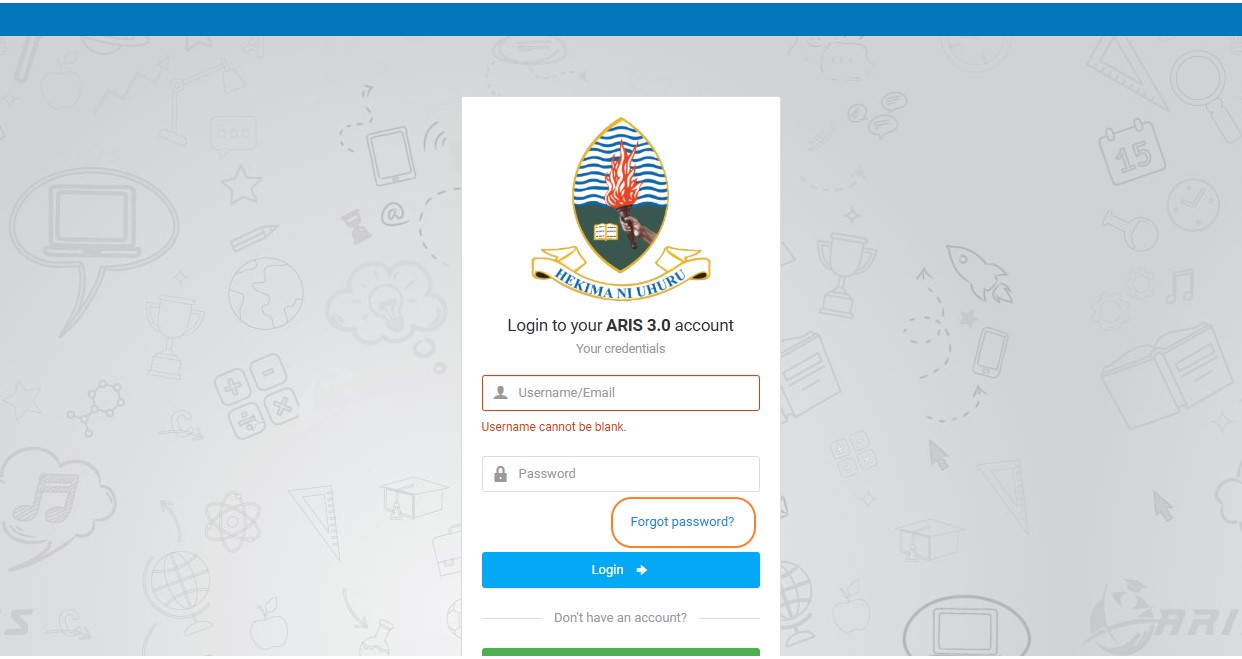
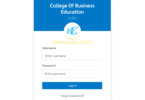
1. Visit University of Dar es Salaam (UDSM) Login webpage as you can use the link attached here “https://aris3.udsm.ac.tz/”
2. Fill Your Username Information and Password. For Students may use email or Registration number to login the system
3. All field should be filled with the Information required.
4. Fill Password in the field where it is required.
5. Once you have forgotten your password, Tap on the “Forgot password?”.
6. Click on the “Login” button to access your information on your account.
Password Reset on Aris 3 udsm login
Once, you visited UDSM Aris 3 home webpage you need to click on button named as “Forgot Password” to request new Password.
Aris 3 udsm login
Then, Fill Your Registration Number and Password.
After, Request new Password.
Finally: Create New Password.
RELATED: ARIS 3 UDSM Login Best Steps to Access aris3.udsm.ac.tz.
Leave a Comment