Tanzania Revenue Authority / TRA Recruitment Portal Login is a digital tools designed for job seeker seeking for jobs promoted by Tanzania Revenue Authority (TRA). In this article, find detailed information about TRA Recruitment Portal by surveying important information related to the portal such as how to check application status as well as how to access the portal finally, Common issues encouter users during submitting and using the portal.
How to Check TRA Interview Status on TRA Recruitment Portal Login
Applicants Submited TRA job positions can now Visiting TRA Recruitment Portal to check Application Status. TRA Login Portal: https://recruitment.tra.go.tz/tra_careers/Login.aspx
Steps
Log in using your registered email and password.
Check your dashboard for updates on your application and interview status.
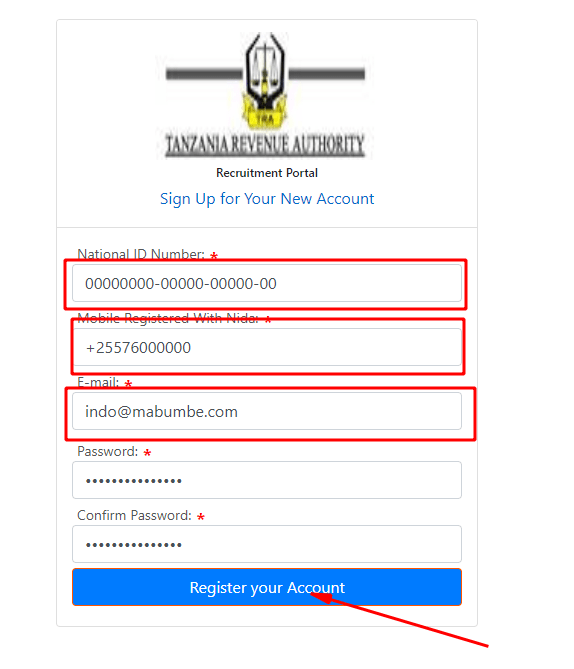
TRA Recruitment Portal Login
Steps by Steps to Login TRA Recruitment Portal
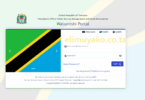
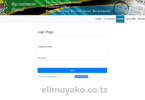
1. Visit TRA Recruitment Portal by using your preferred browser. Visit the official TRA recruitment portal login page.
2. Fill Your Email Address In the login space Provided on the homepage.
3. After Fill a Username or Password, move to the ‘Password’ Space and fill the password that related to your account.
4. Enter Verification Code The portal may prompt you for a verification code to enhance the security of your login.
5. Click “Log In” Once all fields are completed, click the “Log In” button to access your account.
6. Forgotten Password or Username? If you’ve forgotten your password or username, don’t worry. Simply click the “Forgot your password?” link to reset it. Follow the instructions provided to recover your account.
RELATED: Police Recruitment Portal Login, Check TPF Application Status
Leave a Comment